Introduction
You have an idea — a brand, business, startup, personal service, or portfolio.
But you don’t know how to convert that idea into a live website without getting lost in technical steps, hosting, domains, WordPress, CMS, design, templates, and deployment terms.
Don’t worry — you’re not alone.
Thousands of business owners and beginners struggle to launch a website because tech feels complicated.
So today, here is a 5-minute beginner-friendly guide where you’ll learn exactly how to go from:
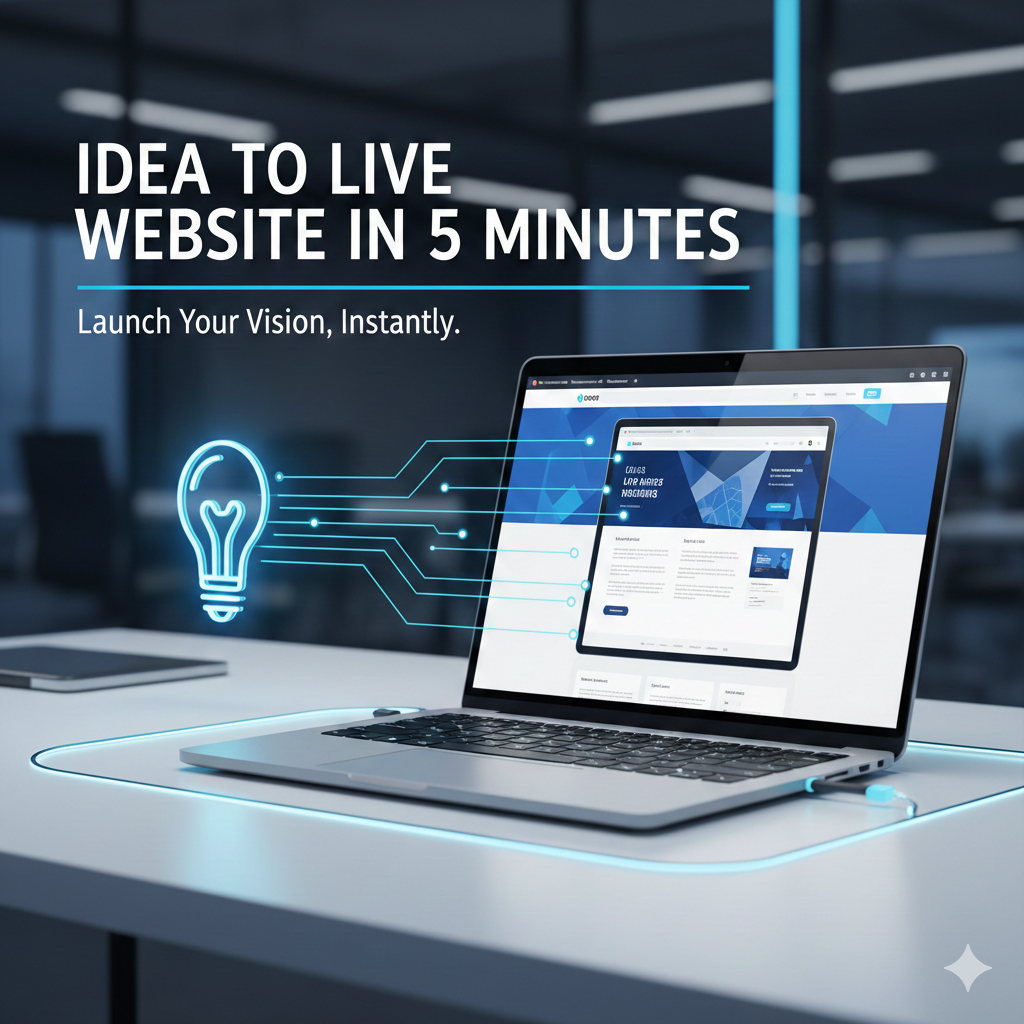
Idea → Domain → Design → Build → Live Website
No coding.
No development background.
No technical confusion.
Let’s begin.
Step 1: Turn Your Idea Into a Website Concept (30 seconds)
Before building a website, answer three simple questions:
Who is this website for?
What problem do you solve or what value do you provide?
What action you want users to take? (Call/Buy/Contact/Sign Up)
Example:
| Idea | Website Goal | CTA |
|---|---|---|
| Fitness Coach | Attract clients for online training | Book Consultation |
| Clothing Brand | Showcase and sell products | Shop Now |
| IT Company | Display services, generate leads | Get a Quote |
| Photographer | Portfolio showcase | Hire Me |
This clarity helps you build a website with purpose — not just pages.
Step 2: Choose a Domain Name (45 seconds)
Your domain is your digital identity.
Tips for selecting a good domain:
✔ Short & memorable
✔ Use brand name
✔ Avoid numbers & hyphens
✔ Prefer .com (or .in, .co, .tech if needed)
Tools to buy domain:
GoDaddy
Namecheap
Google Domains
Time taken: 1 minute
Step 3: Choose Hosting (45 seconds)
Hosting is where your website lives.
For beginners:
🔹 Shared Hosting (Budget-friendly)
🔹 Managed Hosting (Easier + faster for non-tech)
Good hosting providers:
Hostinger
Bluehost
SiteGround
AWS Lightsail (for scaling)
Choose server location close to your audience for better speed.
Step 4: Select Platform to Build Website (60 seconds)
No coding required.
Use a Website Builder/CMS.
Best beginner-friendly options:
| Platform | Best For | Ease |
|---|---|---|
| WordPress | Business websites & blogs | ⭐⭐⭐⭐⭐ |
| Wix | Drag & drop builders | ⭐⭐⭐⭐ |
| Shopify | E-commerce | ⭐⭐⭐⭐ |
| Webflow | Creative UI/UX | ⭐⭐⭐⭐ |
For this guide — WordPress is best (flexible + scalable + SEO friendly).
Step 5: Install WordPress in 1 Click (30 seconds)
Most hosting panels provide 1-Click WordPress Install.
After installation, you’ll get:
🔸 Admin Dashboard
🔸 Theme Options
🔸 Plugins
🔸 Page Builder
That’s your website foundation.
Step 6: Choose a Professional Theme (60 seconds)
Free Themes:
Astra
Neve
OceanWP
Premium Themes (Better for business):
Divi
Avada
Blocksy
Install theme → Import ready demo → Edit text, images, colors.
Your design is now 80% done without coding.
Step 7: Create Must-Have Pages (2 Minutes)
Every professional website should include:
| Page | Purpose |
|---|---|
| Home | Overview + CTA |
| About | Trust building |
| Services/Products | Offer details |
| Portfolio/Work | Proof |
| Contact Page | Reach you easily |
Add WhatsApp button & CTAs like:
🔹 Contact Now
🔹 Get Quote
🔹 Book Demo
Conversions increase instantly.
Step 8: Install Essential Plugins (1 Minute)
Must-have plugins for beginners:
| Plugin | Purpose |
|---|---|
| Yoast/RankMath | SEO |
| Elementor/Divi | Page Builder |
| WP Super Cache | Speed |
| Contact Form 7 | Forms |
| UpdraftPlus | Backup |
Step 9: Publish Website Live (Final Click)
Hit Publish → Your idea is now a live website!
Total time: 5 Minutes (with this guide)
Congratulations! 🎉
onus Tips to Make Website Professional
✔ Add SSL — shows secure lock
✔ Optimize Text + Keywords
✔ Use high quality images & branding
✔ Add local SEO keywords like “Website development near me”
✔ Submit website to Google Search Console
These steps improve ranking, visibility & trust.
Conclusion
You don’t need to be a developer to bring your idea online.
With the right tools and a simple path, you can launch a functional, beautiful, professional website quickly — even as a complete beginner.
This 5-Minute Idea → Website Guide is your shortest path to go live today.
Whether you’re a business owner, startup founder, freelancer or creator — your website is your identity. Start small, grow step-by-step, and scale big.
Now it's your turn.
Build it today — not someday.
Explore website development, software solutions, cloud services & digital transformation with
👉 Hexaphor Technologies — https://hexaphortechnologies.com
Your idea deserves a powerful online presence!

Leave a comment
Your email address will not be published. Required fields are marked *